
Custom Indoor Golf, Designed to Perform in Nashville and Middle Tennessee
Prodigy creates custom indoor golf experiences for homes and commercial spaces in Middle Tennessee, blending cutting-edge technology with thoughtful design. Featuring Golfzon, the world’s leading golf simulator platform, our turn-key solutions deliver immersive realism, refined aesthetics, and seamless performance, tailored to your space and how you play.


Advanced Features Designed for Real-World Play
The features in the Golfzon simulators are dependent on the model, so we recommend consulting with our team on the ideal one for you.

Auto-Tee
The automatic tee system maintains your preferred tee height, allowing for smooth, uninterrupted play without the need to manually tee each shot.
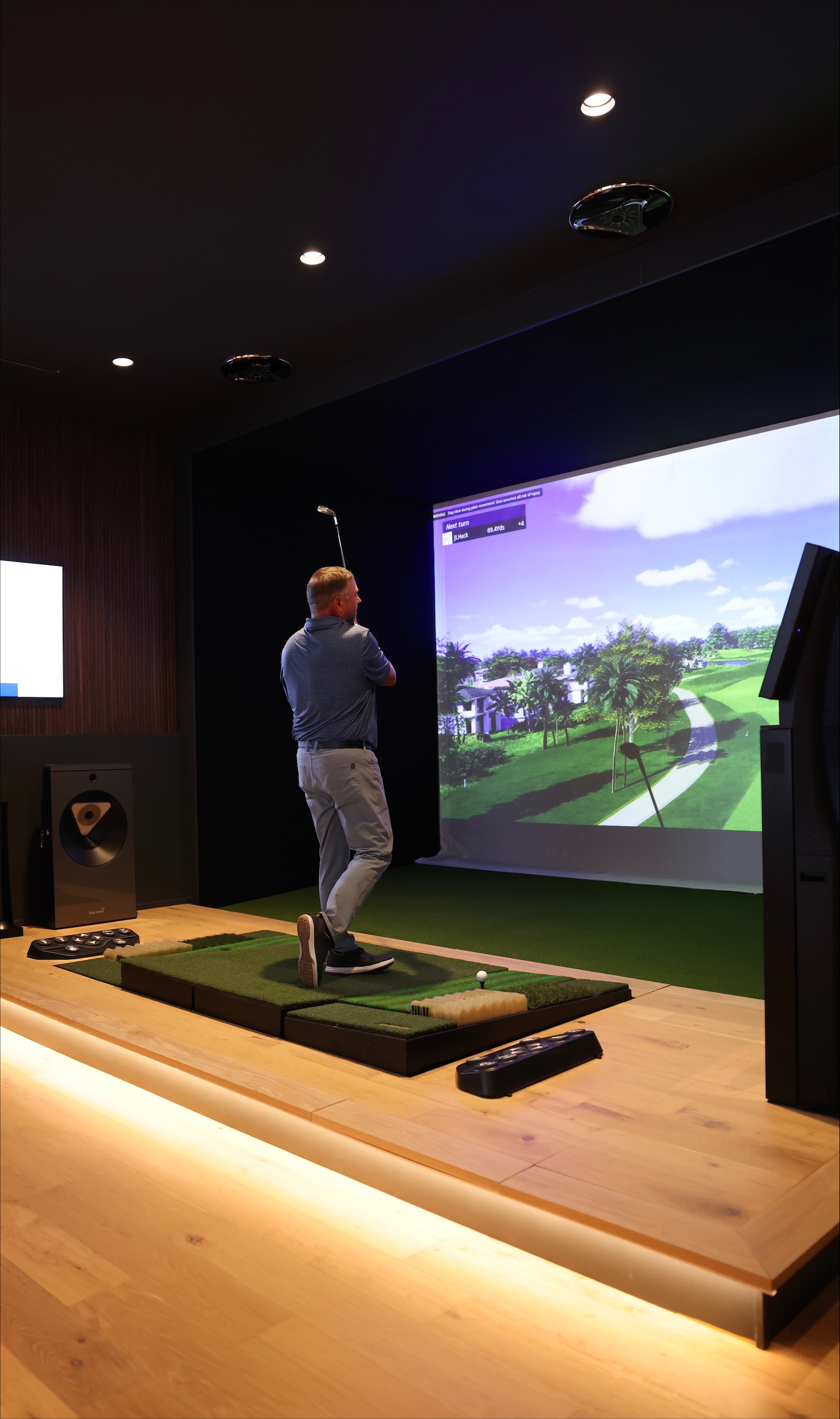
Ball Retrieval System
An integrated ball retrieval system keeps play moving by automatically returning the ball to the tee, eliminating the need for manual pickup between shots.

Multi-Surface Hitting Mats
Multi-surface hitting mats simulate fairway, rough, and bunker conditions to deliver a more realistic variety of shots.

Moving Swing Plate
An eight-way hydraulic swing plate dynamically adjusts to replicate uphill, downhill, and sidehill lies.
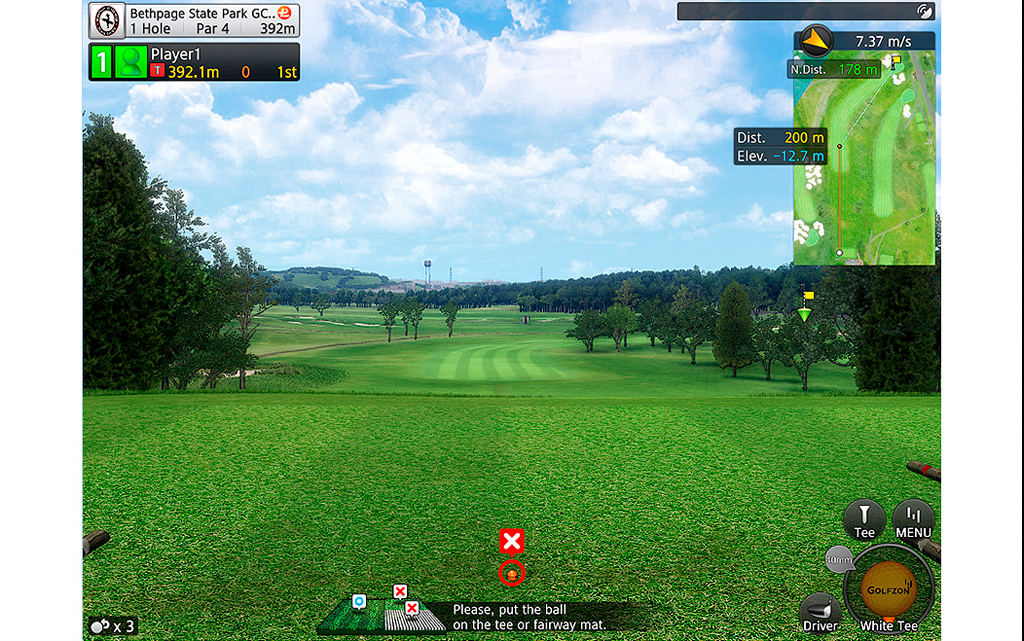
High-Speed Camera Sensors
Ceiling- and kiosk-mounted cameras work together to deliver precise ball flight data with responsive, real-time feedback.
Trust What Our Clients Have to Say
“Of all the simulators I have played on, the Golfzon simulator is the most realistic way to play golf indoors. I love the immediate shot tracker with no delays. The information it gathers from each swing has helped me improve my golf game.”
Collin Snider – Murfreesboro, TN


Embrace the Ultimate Golfing Lifestyle
Never let the weather get in the way of your game. Prodigy’s indoor golf simulator designers help create a private, performance-ready golf environment that feels architecturally integrated, easy to use, and tailored to your home.


